3 min read
Next.js vs WordPress: which is better for a business website?
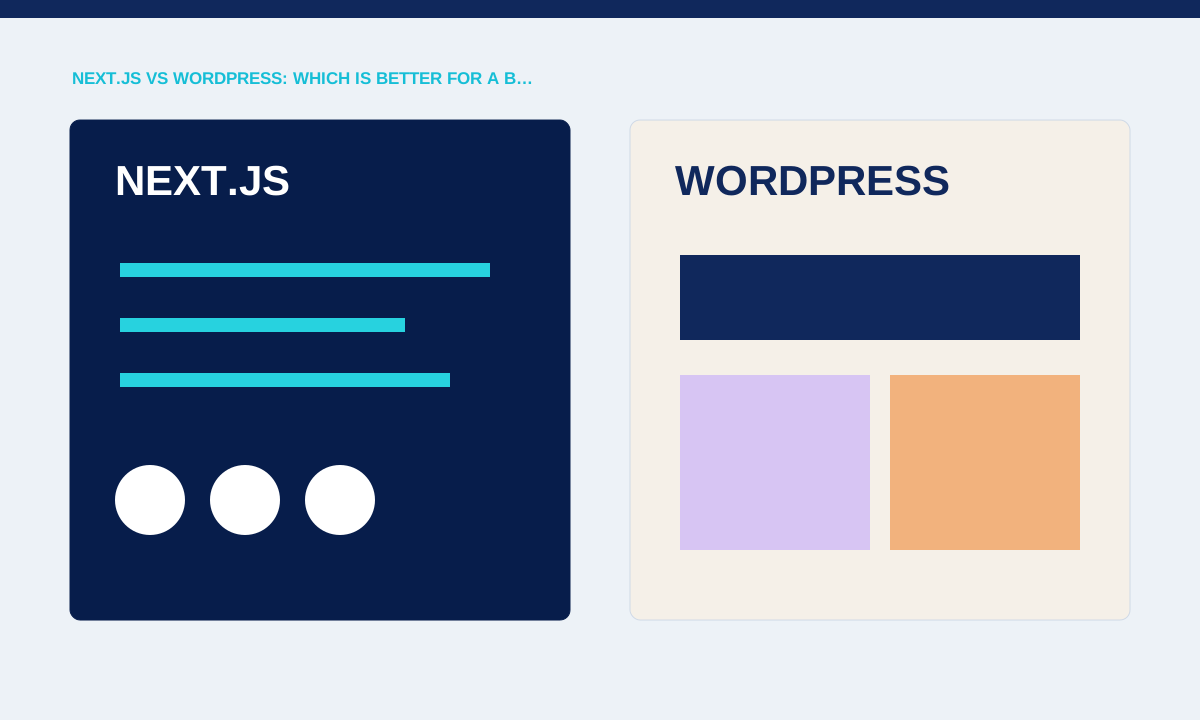
Next.js and WordPress solve different parts of website delivery. The better choice depends on editing needs, integrations, hosting capability, development ownership and how much custom application behaviour the project requires.
Start with the publishing workflow
WordPress includes a mature content administration experience, while a Next.js project needs a chosen content source and an implemented editing workflow. A marketing team publishing weekly may value familiar editorial tools more than a tightly controlled code-only process.
List who creates, reviews and publishes each content type and whether preview, scheduling, roles or media management are required.
Map the publishing workflow in detail. WordPress provides an established administration area, revisions, media handling and a broad plugin ecosystem. A Next.js site needs a chosen CMS or another editing method, preview behaviour and a deployment path. Ask who publishes, how often, which fields need approval and whether non-technical staff must create new page types. The answer often matters more than a feature comparison between frameworks.
Compare application and integration needs
Next.js supports React-based application interfaces and server features, while WordPress can extend core publishing through themes and plugins. A brochure site and a logged-in operations portal have different architectural pressures even when both contain public pages.
Describe authentication, data sources, transactions and real-time behaviour before choosing technology.
Next.js becomes useful when the public website shares requirements with an application: authenticated areas, structured data, custom workflows or React-based interfaces. WordPress can also be extended, but the maintenance profile changes as themes and plugins accumulate. Describe the actual integrations, roles and transactions. A brochure site with weekly articles has different needs from a portal that exposes customer-specific records, even if both include a marketing homepage.
Include maintenance and hosting
The platform choice changes update responsibility, security work, backups, caching and deployment. Plugin compatibility needs active management; a custom application needs dependable build, runtime and monitoring ownership.
Name the person or provider responsible for updates, recovery and production incidents after launch.
Compare ownership after launch. A WordPress plan needs managed updates, backups, security monitoring and a process for testing plugin compatibility. A Next.js plan needs hosting, build and deployment ownership, dependency updates, observability and a maintained content source. Neither option removes technical work. Include recovery steps and access handover in the quote so the client knows who will respond when an update or integration fails.
Choose against the confirmed constraints
Neither platform guarantees speed, security or easy editing without a competent implementation. A simple WordPress build can outperform a careless custom stack, and a focused Next.js application can avoid plugin complexity.
Practical checks
- Use a written decision covering content, features, operations, budget and handover rather than selecting from popularity alone.
Use a written decision table with content workflow, custom features, hosting constraints, available skills, budget and expected lifetime. Mark requirements as essential or optional and test any uncertain capability with a small prototype. Do not select a platform because it is fashionable or familiar to one supplier. The strongest choice is the one the client can operate and maintain while meeting the confirmed functional requirements.
Related service