3 min read
What makes a business website slow?
Slow pages usually come from several small costs that accumulate across images, fonts, scripts, hosting and rendering. A useful diagnosis measures the real page, identifies the largest contributors and fixes them in priority order.
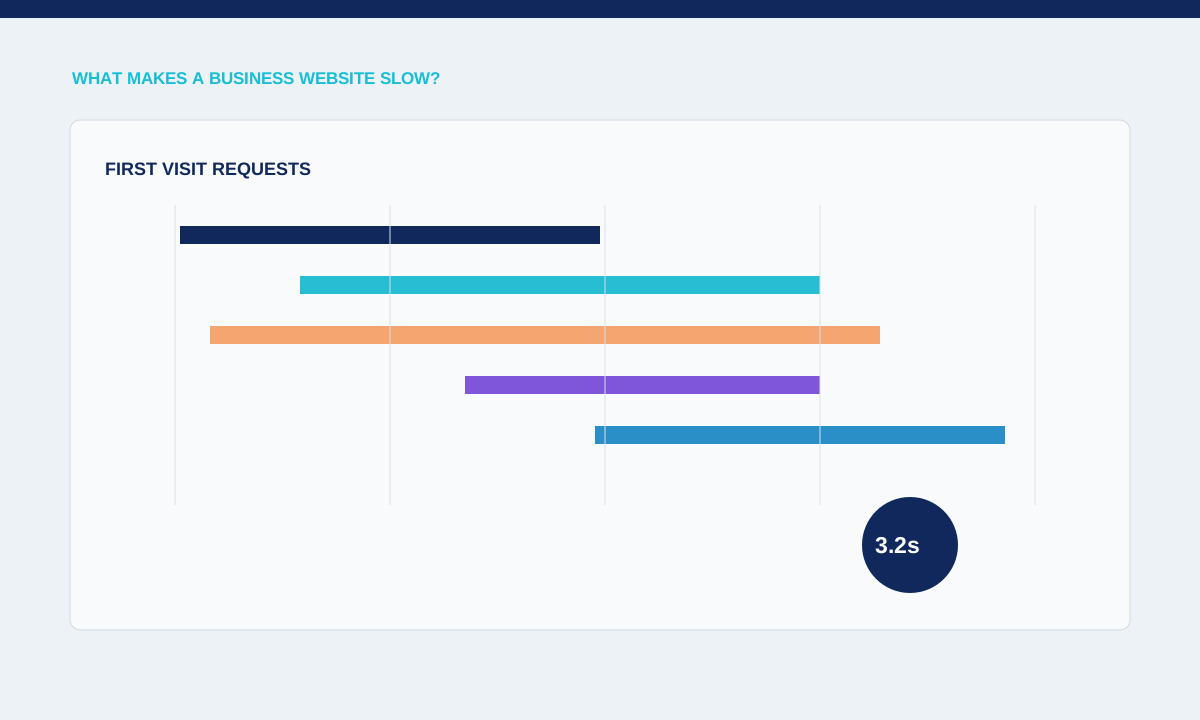
Measure the real visit
A homepage can feel fast on a developer laptop and slow for a first-time mobile visitor with no cache. Lab tools reveal request and rendering costs, while field data can show whether real visitors experience the same pattern.
Test representative templates, first visits and repeat navigation; record loading, interaction and layout behaviour separately.
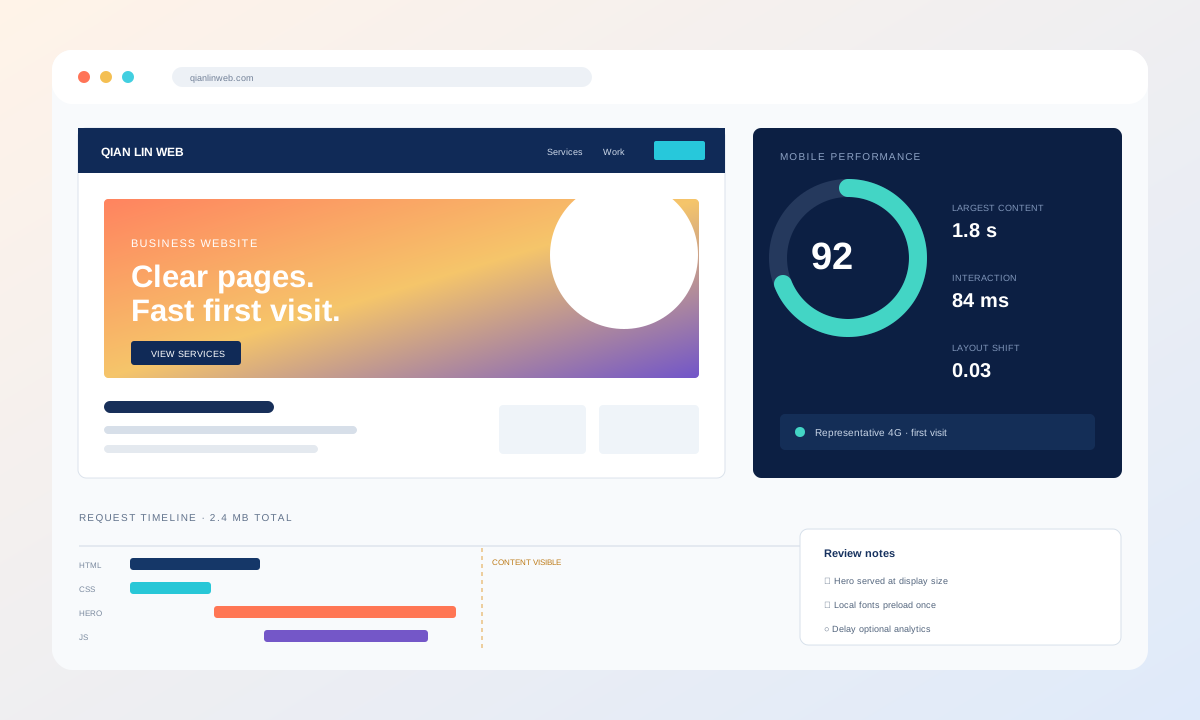
Begin with a repeatable measurement on the page that matters. Record device profile, network conditions, cache state and the exact route, then inspect the server response and loading sequence. A homepage tested on office broadband may hide delays experienced on a phone. Compare the same setup after each change. This makes it possible to distinguish a real improvement from normal variation between unrelated tests.
Check images and fonts
Oversized imagery and unused font files often consume bandwidth before the visitor can read or act. A correctly sized modern image and a smaller set of font weights can reduce work without changing the approved design.
Compare rendered dimensions with downloaded dimensions and list every font file, weight and subset requested above the fold.
Media problems are usually visible in the request list. Check whether a hero image is delivered near its displayed dimensions, whether below-the-fold images wait until needed and whether video has an intentional loading strategy. Modern formats help, but correct sizing and priority matter too. An image that is compressed yet several times larger than its rendered area still uses bandwidth and decoding time that the visitor receives no benefit from.
Account for JavaScript and third parties
Analytics, chat, video, consent and animation scripts compete for the browser’s main thread. A small visual widget may download several bundles or delay interaction long after its own interface appears.
Map each script to an owner and business purpose; defer, replace or remove code that does not support the page’s main task.
JavaScript and third-party tools require separate review. Tag managers, chat widgets, consent systems, maps and animation libraries can compete with the page's own interaction code. Identify which script owns each long task and whether it is needed before the visitor acts. Delay optional tools, remove duplicates and test that the page still works when a provider is slow or blocked. Performance should not depend on every external service responding perfectly.
Fix the largest verified cause first
A score alone does not tell the team which change will improve a specific page. Removing one blocking request may matter more than dozens of minor compression changes.
Practical checks
- Keep before-and-after traces, test the same conditions and confirm that the fix did not break forms, tracking or layout.
The fix belongs to the responsible layer. Slow HTML may need server or data work; a late main image may need preload and sizing changes; layout movement may come from missing dimensions or fonts; delayed clicks may come from a large client bundle. Write the cause beside the proposed change and retest the affected template. Avoid hiding an unresolved bottleneck by removing useful content from a different part of the page.
Related service