3 min read
What makes a website inquiry form convert better?
A useful enquiry form asks for enough information to route and answer the request without creating unnecessary effort. Better conversion comes from relevance, clarity, reliable delivery and appropriate follow-up—not from removing every field.
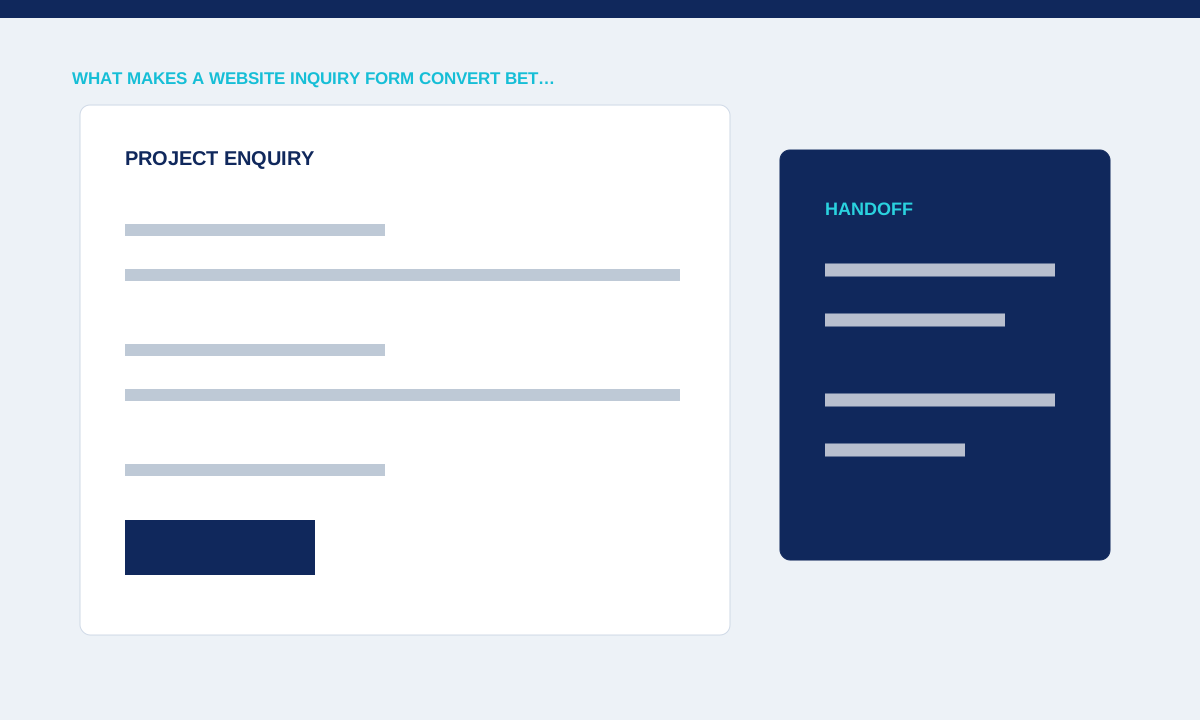
Ask only what supports the response
Every field should help identify, route, price or answer the enquiry. A budget or service selector may be useful when choices change the response, while an unrelated company metric creates friction.
Connect each field to a named operational use and remove information the team does not need.
Every field should support the reply the team needs to send. Name and contact details are usually essential; project type, current URL, budget context or timing may help when they change the response. Avoid asking for information that nobody reads. Group related questions, mark optional fields honestly and use examples where the expected format is unclear. The form should feel like the beginning of a useful conversation.
Explain expectations
Labels, examples and nearby notes reduce uncertainty about format and required detail. A message box that says only ‘Tell us more’ often produces incomplete requests.
Use specific prompts, distinguish optional fields and show privacy information where the decision occurs.
Validation must identify the field, problem and correction. Do not erase other answers or show a vague error only at the top of a long form. Support keyboard navigation, visible focus and appropriate input types on mobile. Keep labels visible after entry instead of relying only on placeholders. Test long names, translated text and pasted content because neat sample values rarely expose wrapping or validation defects.
Handle errors without losing work
Validation should identify the exact field and preserve valid input. A generic failure after submission leaves visitors unsure whether to retry and risks duplicate enquiries.
Test missing data, invalid formats, server failures, slow networks and repeated submission.
Submission success is an operational state. The interface should wait for the server result, show failure honestly and provide a safe retry without creating duplicate records. Confirm that email reaches the monitored inbox, Reply-To uses the visitor's address where appropriate and stored enquiries follow the published privacy policy. A thank-you screen alone does not prove the message arrived where staff can act on it.
Confirm the operational result
Success requires both a clear visitor confirmation and a usable record for the team. Email delivery, Reply-To, spam handling and outbox retries matter as much as the visual form state.
Practical checks
- Run production-path tests and monitor failures without exposing personal data in client logs.
Review lead quality alongside completion. If essential context is repeatedly missing, improve the field or the information before the form rather than automatically adding more questions. Track the page and service that produced the enquiry with restrained, consent-aware data. Read a small sample of real submissions after launch and update the form when the same confusion appears, keeping service scope and privacy explanations current.
Related service