3 min read
When does a business need a custom web application?
Custom software is justified when a repeated business workflow cannot be handled reliably by existing tools or simple integration. The decision should begin with users, data, exceptions and ownership rather than a wish for a dashboard.
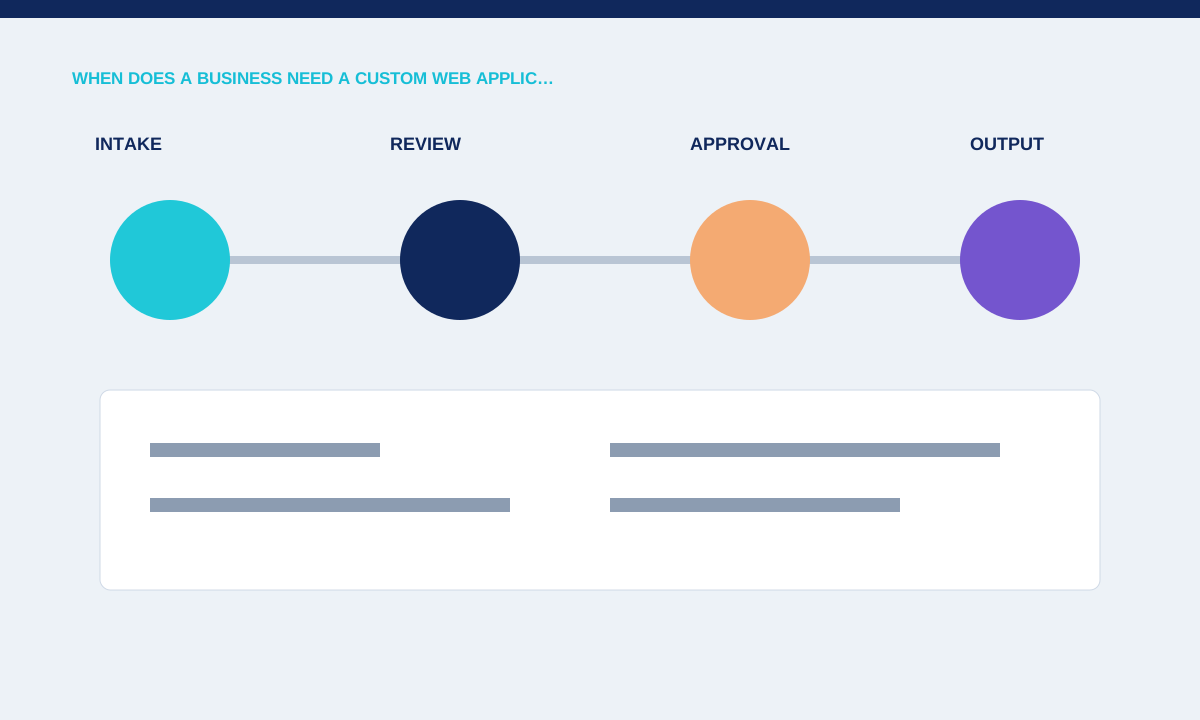
Identify the repeated workflow
A useful web app supports a task people perform often enough for errors, delay or duplicate work to matter. Moving one enquiry through review, approval and delivery is a clearer starting point than building a platform for every department.
Map actors, inputs, decisions, outputs and exceptions using current examples.
A custom application becomes reasonable when a repeated workflow depends on rules that general tools cannot represent without heavy manual work. Document the current steps, people, files and systems, then identify delays and duplicate entry. Avoid starting with a feature wish list. A clear problem statement lets the team compare custom development with process changes, configuration or an existing product that may solve enough of the need.
Check existing tools and integration
A configuration change or workflow integration may solve the problem with less maintenance than custom software. Replacing spreadsheets is not automatically valuable if the new app still requires manual copying between systems.
Compare fit, ownership, data export, permissions and long-term cost before approving a build.
Define the first release around one usable outcome. A customer portal might begin with secure document access, while an internal operations tool might begin with intake and review status. List roles, data fields, permissions, exceptions and the action that completes the workflow. Features such as reporting, automation and integrations can follow when the core path works and staff have used it with representative data.
Define a complete first release
An MVP should finish one valuable workflow, including errors and administrative handling. A polished intake screen without review, correction or status management simply moves the bottleneck.
Write acceptance criteria for the full path and defer unrelated roles or reports.
Integration cost depends on the systems involved. Confirm that each provider offers an appropriate API, the required account plan and a safe authentication method. Decide which system owns each record and how conflicts or outages are handled. A custom screen does not remove limitations in the upstream service. Prototype uncertain connections early so the project does not discover a blocked dependency after the main interface is complete.
Plan operation after launch
Custom software needs monitoring, access control, backups, updates and a person who owns process changes. Business rules will change even when the code remains stable.
Practical checks
- Document support boundaries, data retention, recovery and how new requirements are evaluated.
Plan operation as part of the product. Name owners for hosting, access changes, backups, monitoring, support and future releases. Document how data can be exported and how the business continues if the application is temporarily unavailable. Custom software is a continuing responsibility; the decision should include the value of the improved workflow and the resources needed to maintain it after handover.
Related service