3 min read
When should a business refresh its website branding?
A website refresh can correct inconsistency and improve clarity without replacing a recognisable brand. Use observable problems in the current site to decide whether the work is a visual update, a redesign or a broader identity project.
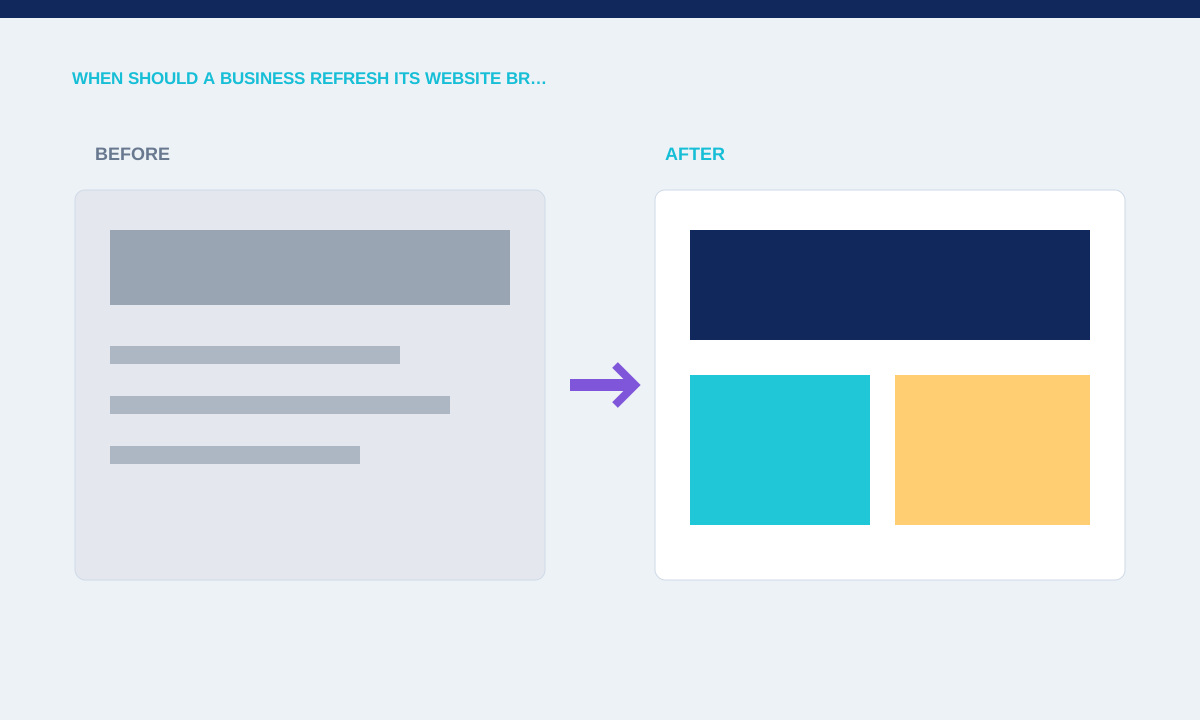
Look for evidence in the current website
A refresh is justified when the site uses conflicting logos, weak contrast, dated image treatment or components that no longer represent the business. A new sales message may need clearer hierarchy even when the existing name and visual assets still have value.
Collect screenshots across templates and devices; label recurring issues separately from isolated content mistakes.
Collect evidence before choosing the size of a refresh. Capture every main template at desktop and mobile widths, then mark conflicting logos, unreadable colour combinations, dated image treatment and content that no longer matches the offer. Separate visual problems from navigation, copy and technical defects. This prevents a colour update from being sold as the answer to a website whose real issue is missing information or an unsuitable content structure.
Decide what should remain
Recognition can be lost when a redesign changes every familiar cue at once. Keeping a known colour, mark or tone can provide continuity while typography, spacing and imagery become more usable.
List assets with proven recognition, assets with technical problems and elements that exist only from habit.
Continuity can protect recognition. List the assets customers already encounter frequently, such as a wordmark, colour or product illustration, and decide whether each remains useful. A refresh can keep these familiar cues while improving typography, spacing and interface behaviour. If every element changes at once, the business also needs a clear rollout plan so old and new versions do not remain visible across different channels for months.
Match the scale of the refresh to the problem
A visual tidy-up will not fix confused navigation, missing service information or an unsuitable content system. If the structure and journeys are failing, the project needs redesign scope rather than a new palette placed over the same pages.
Separate identity, content, UX and technical findings; quote the work that addresses each confirmed issue.
Match the project scope to the confirmed problems. A visual tidy-up may cover type, colour, image direction and component consistency. A redesign also addresses navigation, content priority, templates and user journeys. A rename or positioning change reaches further into legal, sales and operational material. Write these workstreams separately, with owners and acceptance criteria, so the quote reflects the work instead of using one vague branding label.
Plan the transition
Updated branding affects templates, social assets, email signatures and files as well as the public site. Launching half of the new system can make the business look less consistent than before.
Practical checks
- Create an asset inventory, replacement order and owner for every public touchpoint included in the release.
Plan replacement in the order customers will notice it. Update the website, proposal documents, profiles, email signatures and downloadable files included in the agreed scope. Keep a list of old assets and the locations where they are published. After release, search the site and shared folders for retired versions. This simple inventory avoids a half-finished transition that makes a careful refresh look like an accidental inconsistency.
Related service